
BGD11 login — Quick Sign In, Stay Protected
Welcome back to BGD11. Log in in seconds, keep your account secure with smart verification, and enjoy a smoother experience on mobile with the BGD11 APK. If you’re locked out, follow the recovery steps below to regain access safely.
- 1-Min Login Setup
- 24/7 Access Anywhere
- Secure Verification Options
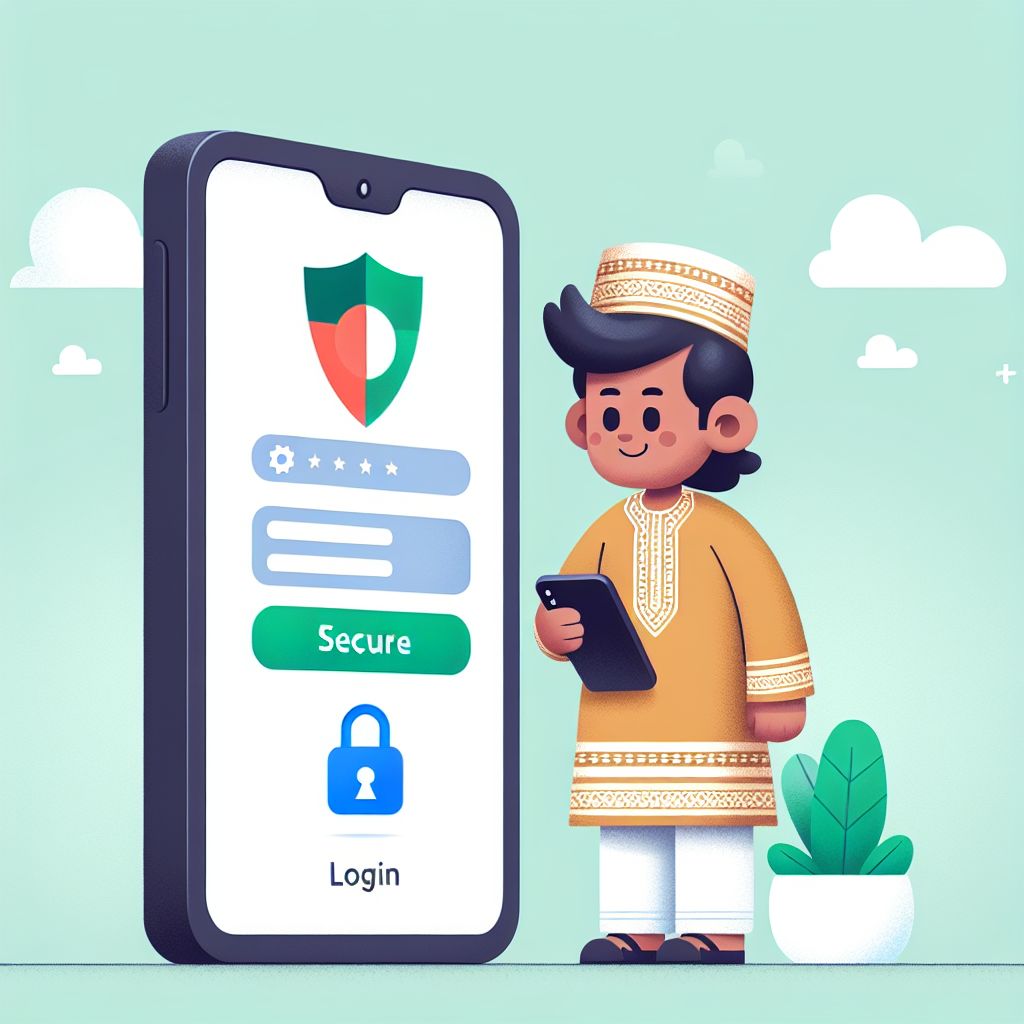
BGD11 login Guide for Bangladesh (Simple Steps)
BGD11 login is designed to be fast, but it also includes checks to keep your account safe. If you’re signing in from a new device or network, you may be asked to confirm your identity. Follow the steps below to complete your login smoothly and avoid common errors.
Step 1: Open BGD11 login
Go to the official BGD11 login page or open the BGD11 APK on your Android device. Double-check that the page name and URL look correct before entering any details. Using the official entry point helps you avoid fake pages and protects your account.
Step 2: Enter your credentials
Type your registered phone number or email and your password exactly as you created them. Make sure Caps Lock is off and avoid extra spaces when pasting passwords. If you use a password manager, select the correct saved BGD11 profile to prevent failed attempts.
Step 3: Verify & access your account
If prompted, complete the verification code step and confirm the device you’re using. Once verified, you’ll be taken to your dashboard and can continue using BGD11 without interruption. For best security, log out on shared devices and keep your recovery information up to date.
BGD11 login Help: Fix Common Sign-In Problems
If your BGD11 login fails, the cause is usually a small input mistake or a temporary verification check. Start by retyping your email or phone number and confirm you are using the correct country format. Then reset your password if you suspect it was changed or forgotten. Finally, try switching between mobile data and Wi‑Fi to rule out network filtering or unstable connectivity.
BGD11 login Security Tips for Bangladesh Users
Use a strong, unique password
Create a password that you don’t reuse on other sites and avoid obvious patterns. A longer passphrase is easier to remember and harder to guess. Update it regularly if you log in from multiple devices or share a phone.
Enable verification on BGD11 login
Verification codes add an extra layer of protection even if someone learns your password. If you receive a code you didn’t request, change your password immediately. Keep your phone number and email updated so you can always receive recovery messages.
Avoid unofficial links and clones
Only use the official BGD11 login entry and the trusted APK download button on this page. Don’t enter credentials from social media links or unknown ads. If a page looks different than usual, exit and try again from the official source.
Keep your device clean and updated
Update Android and your browser to reduce security risks that can affect login sessions. Install apps only from trusted sources and review permissions carefully. A secure device helps BGD11 login work faster and reduces unexpected logouts.
Why BGD11 login Works Better with the APK
Using the BGD11 APK can make BGD11 login feel quicker and more consistent on Android. The app experience reduces browser interruptions and helps keep your session stable during switching networks. It can also streamline verification prompts and keep your login screen easy to find. For the best results, download the latest version and allow only the required permissions.
Faster access on mobile
Open BGD11 directly without searching for tabs or reloading pages. The APK keeps the login flow focused and reduces accidental redirects. This is especially helpful when you need quick access while on the move in Bangladesh.
Smoother verification flow
When verification is required, the app can keep the process organized and easier to complete. You can confirm codes and return to your dashboard with fewer steps. This reduces the chance of timeouts during BGD11 login.
More stable sessions
A stable session helps you avoid repeated logins after short disconnects. The APK is optimized for mobile performance and can handle network changes better than some browsers. Keep your app updated to maintain the best login reliability.